
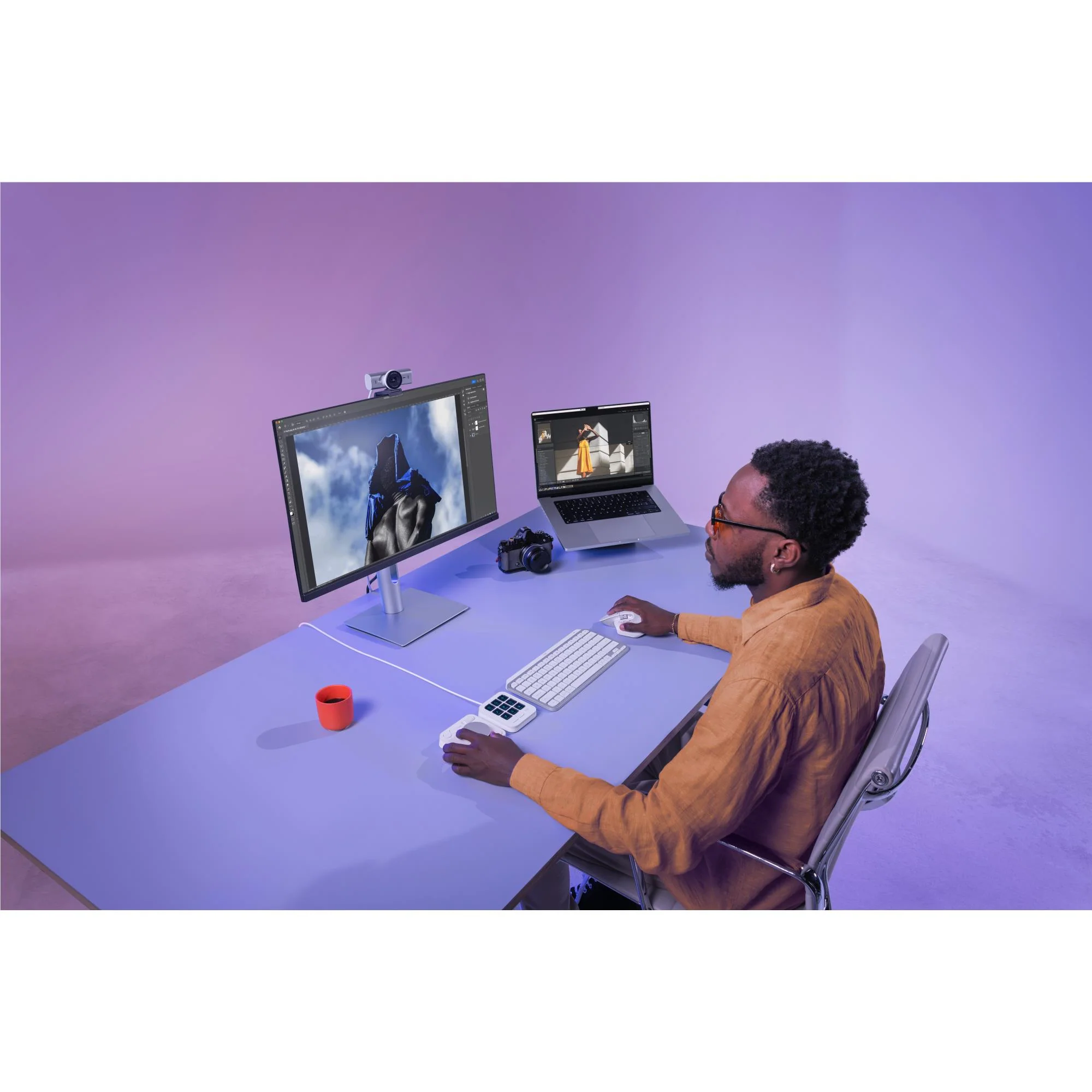
Logitech MX Creative Console (Pale Grey)
Key Features
Pair two of the world’s top creative tools. Buy one MX Creative Console and claim your free 3- month Adobe Creative Cloud membership
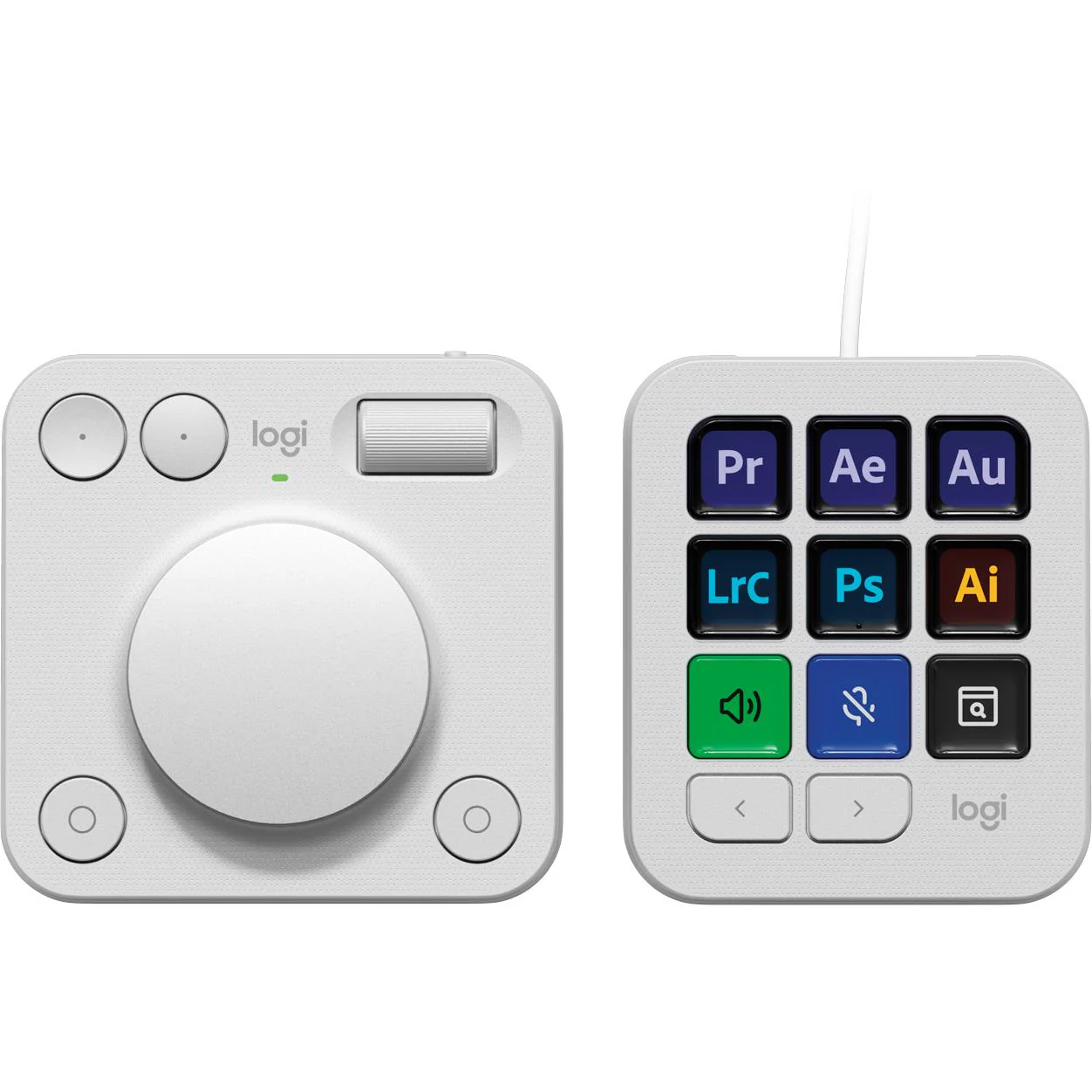
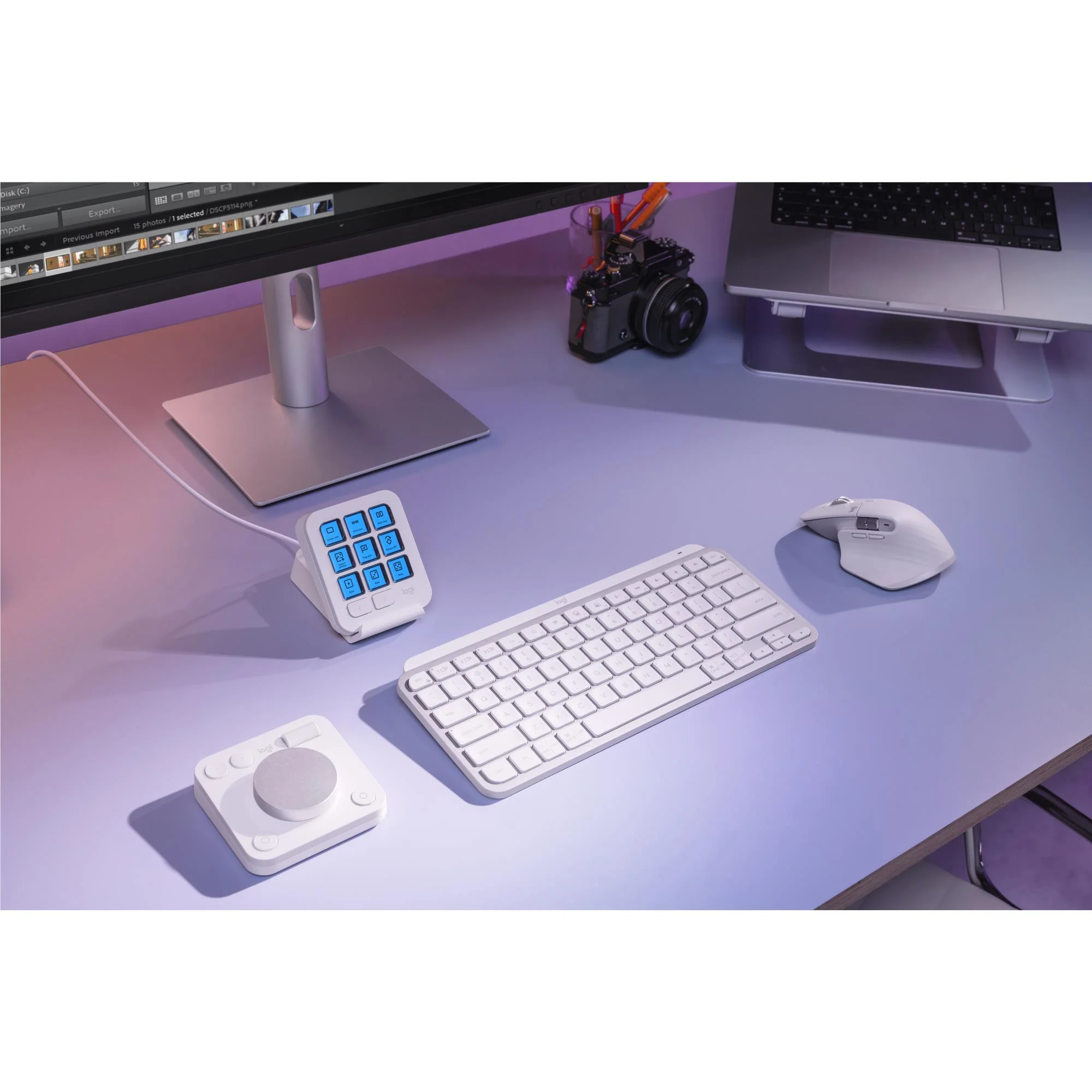
The Logitech MX Creative Console lets you quickly access tools and actions on your favourite apps, allowing you to fully focus on your work
Native integration with Adobe Photoshop, Adobe Premiere Pro, Adobe Illustrator, Adobe Photoshop Lightroom Classic, Spotify, Zoom, and more; use the recommended profiles to get started right away (1)
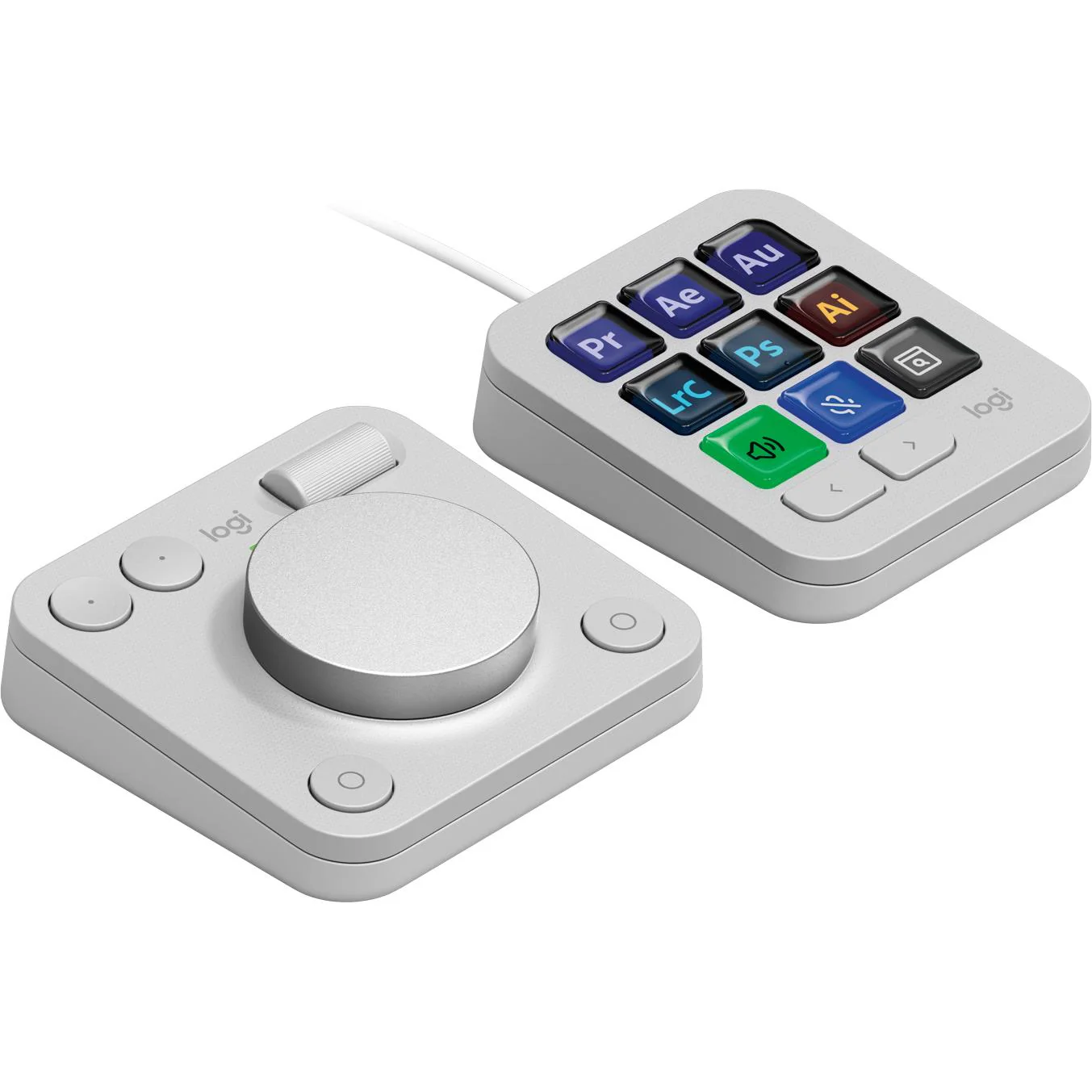
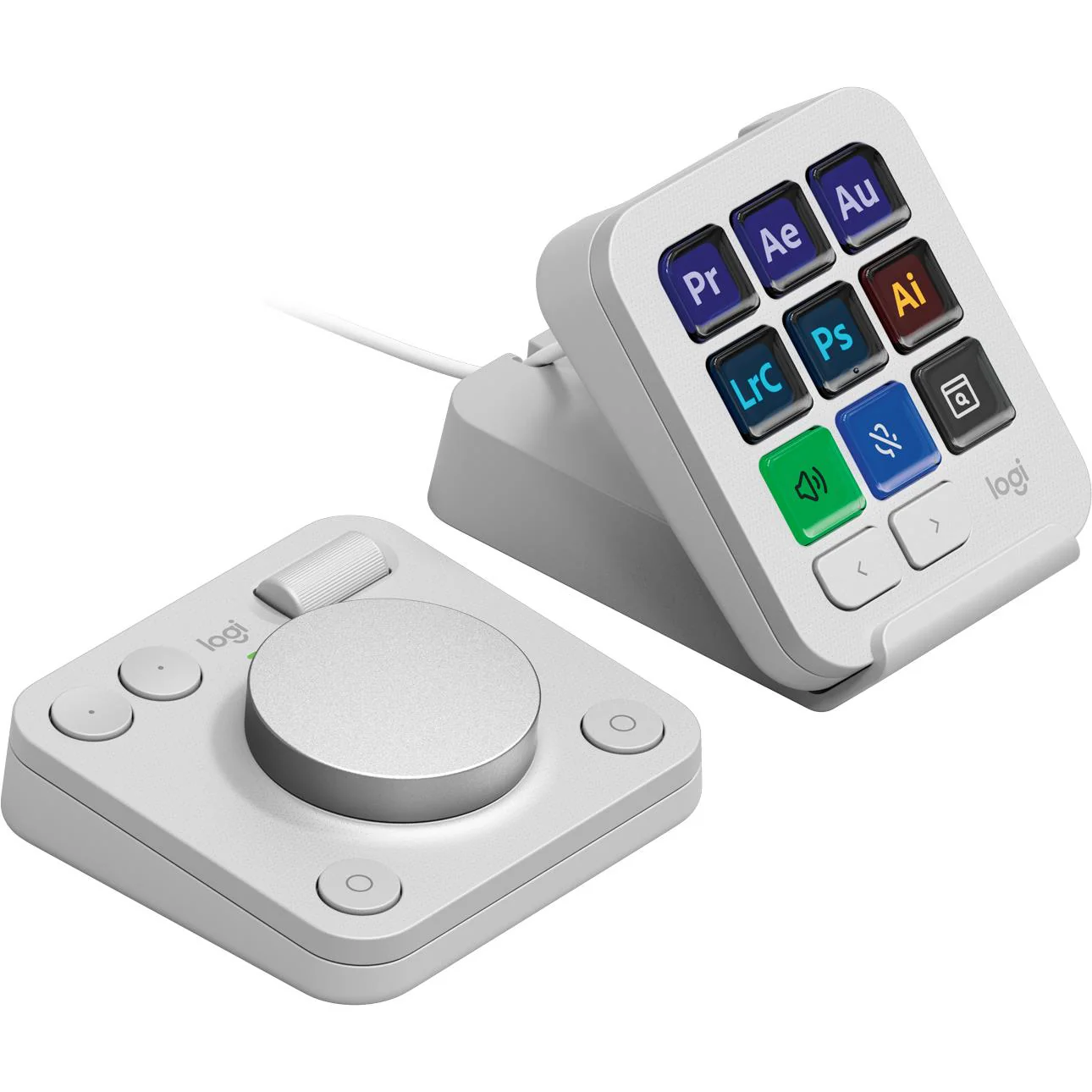
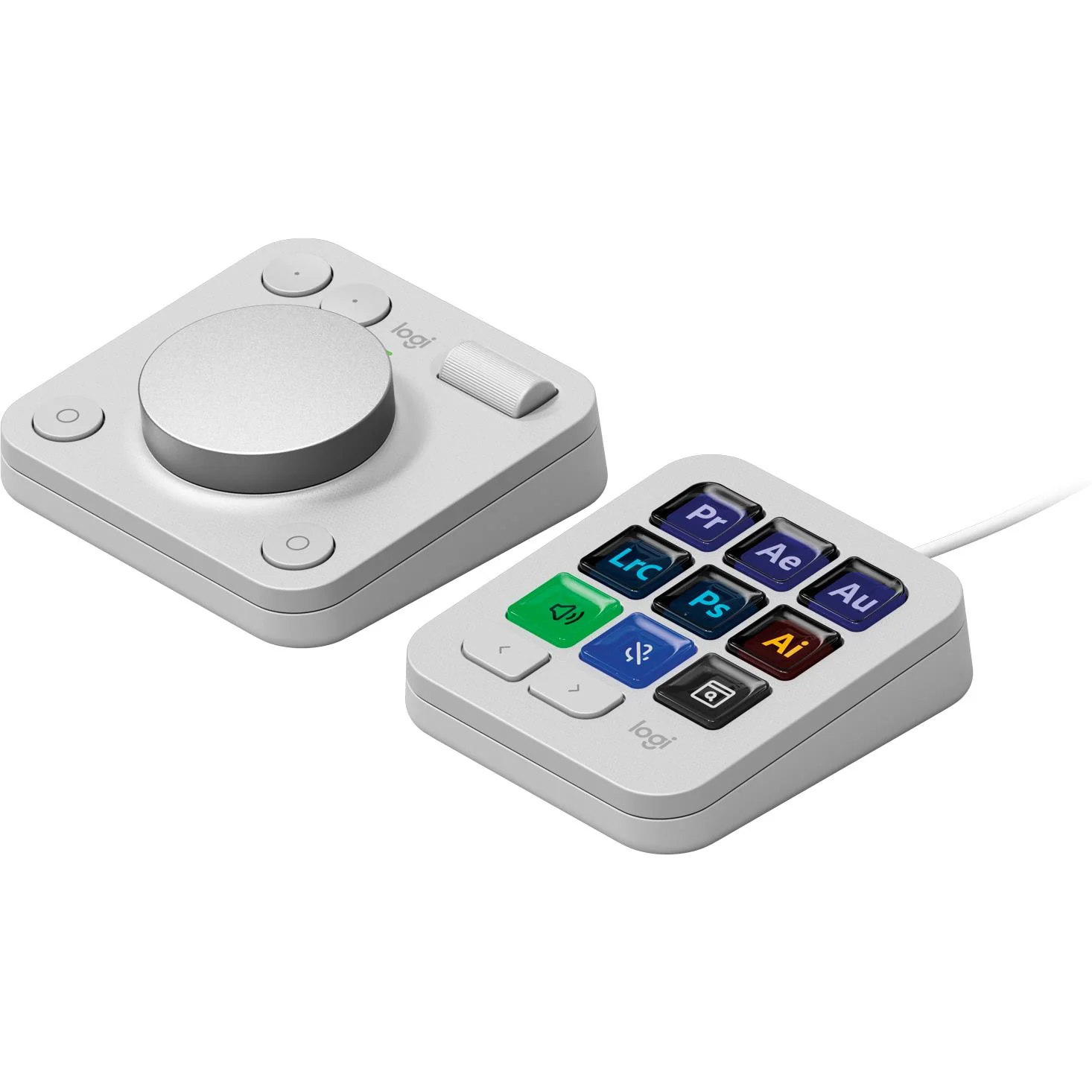
Make precise adjustments with the low-friction control dial, navigate with the roller, and access actions with the programmable keypad (stand included for flexible placement)
Assign tools & actions to up to 15 keypad pages by profile, dial, and roller, and upload your own icons to the customisable LCD display keys
Find a growing library of actions and plug-ins, recommended profiles, icon packs, and more on the marketplace in the Logi Options+ App (2)
The Actions Ring is a customisable digital extension of your console, an on-screen overlay that lets you access tools, shortcuts, actions, & more (2)
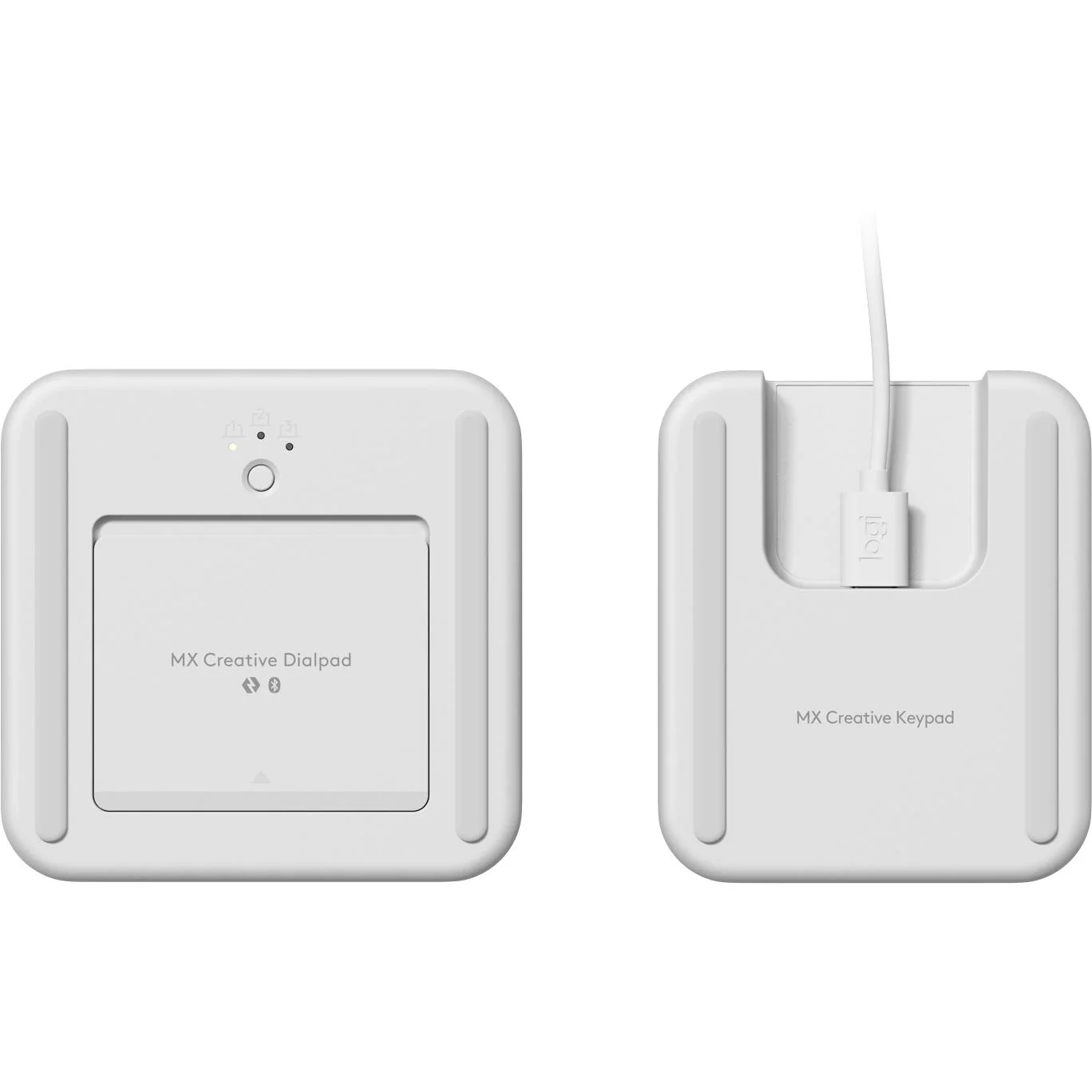
Pair the dialpad with Bluetooth & use 2x AAA batteries (included) for up to 18 months of use (3). Connect the keypad with a USB-C to USB-C cable (included)
(1) The purchase of an MX Creative Console includes 3 months of Adobe Creative Cloud All Apps membership
(2) Requires Logi Options+ app, available for recent versions of Windows and macOS
(3) Battery life may vary based on user and computing conditions
(4) Excludes printed wiring assembly (PWA), cables, membrane, LCD, EMI Gasket, and packaging.
What’s in the box
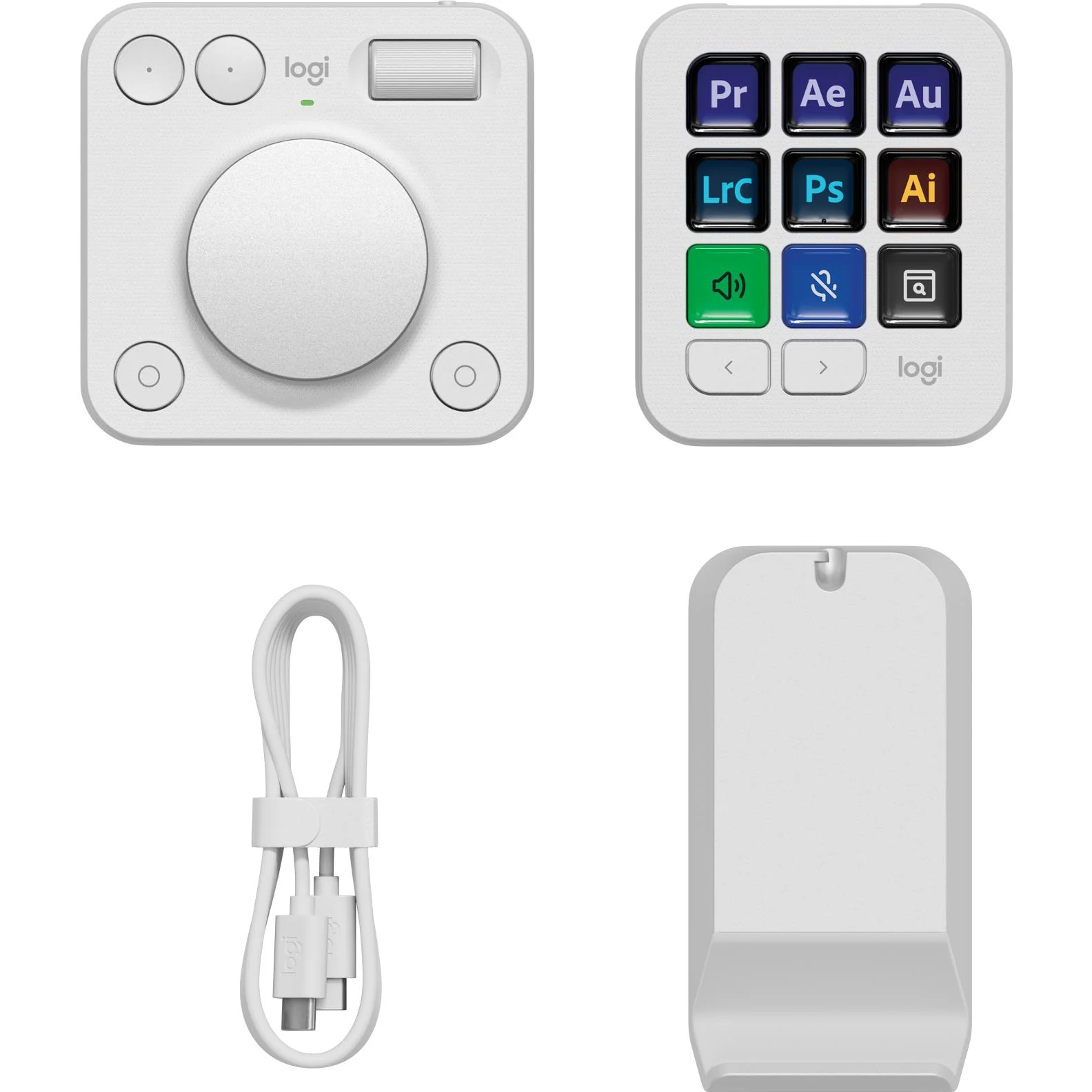
MX Creative Dialpad - x2 AAA batteries
MX Creative Keypad - USB C to C high-speed 2.0 cable
Stand & User documentation
System requirements
- Windows 10 or later | - macOS 13 or later
- USB-C port
- Bluetooth® low energy technology
- Logi Options+ App available for recent versions of Windows and macOS at app.logi.com.
Original: $176.78
-70%$176.78
$53.03Product Information
Product Information
Shipping & Returns
Shipping & Returns
Description
Key Features
Pair two of the world’s top creative tools. Buy one MX Creative Console and claim your free 3- month Adobe Creative Cloud membership
The Logitech MX Creative Console lets you quickly access tools and actions on your favourite apps, allowing you to fully focus on your work
Native integration with Adobe Photoshop, Adobe Premiere Pro, Adobe Illustrator, Adobe Photoshop Lightroom Classic, Spotify, Zoom, and more; use the recommended profiles to get started right away (1)
Make precise adjustments with the low-friction control dial, navigate with the roller, and access actions with the programmable keypad (stand included for flexible placement)
Assign tools & actions to up to 15 keypad pages by profile, dial, and roller, and upload your own icons to the customisable LCD display keys
Find a growing library of actions and plug-ins, recommended profiles, icon packs, and more on the marketplace in the Logi Options+ App (2)
The Actions Ring is a customisable digital extension of your console, an on-screen overlay that lets you access tools, shortcuts, actions, & more (2)
Pair the dialpad with Bluetooth & use 2x AAA batteries (included) for up to 18 months of use (3). Connect the keypad with a USB-C to USB-C cable (included)
(1) The purchase of an MX Creative Console includes 3 months of Adobe Creative Cloud All Apps membership
(2) Requires Logi Options+ app, available for recent versions of Windows and macOS
(3) Battery life may vary based on user and computing conditions
(4) Excludes printed wiring assembly (PWA), cables, membrane, LCD, EMI Gasket, and packaging.
What’s in the box
MX Creative Dialpad - x2 AAA batteries
MX Creative Keypad - USB C to C high-speed 2.0 cable
Stand & User documentation
System requirements
- Windows 10 or later | - macOS 13 or later
- USB-C port
- Bluetooth® low energy technology
- Logi Options+ App available for recent versions of Windows and macOS at app.logi.com.